Hardware is understood as the totality of physical computer equipment. In this way, they gather and need a “thought” highlighted as the Software, which is a redirection and execution of logical exercises, in addition to the expected development of computers. In summary, we can comment on the elements of the performance of the first essential for a PC development.
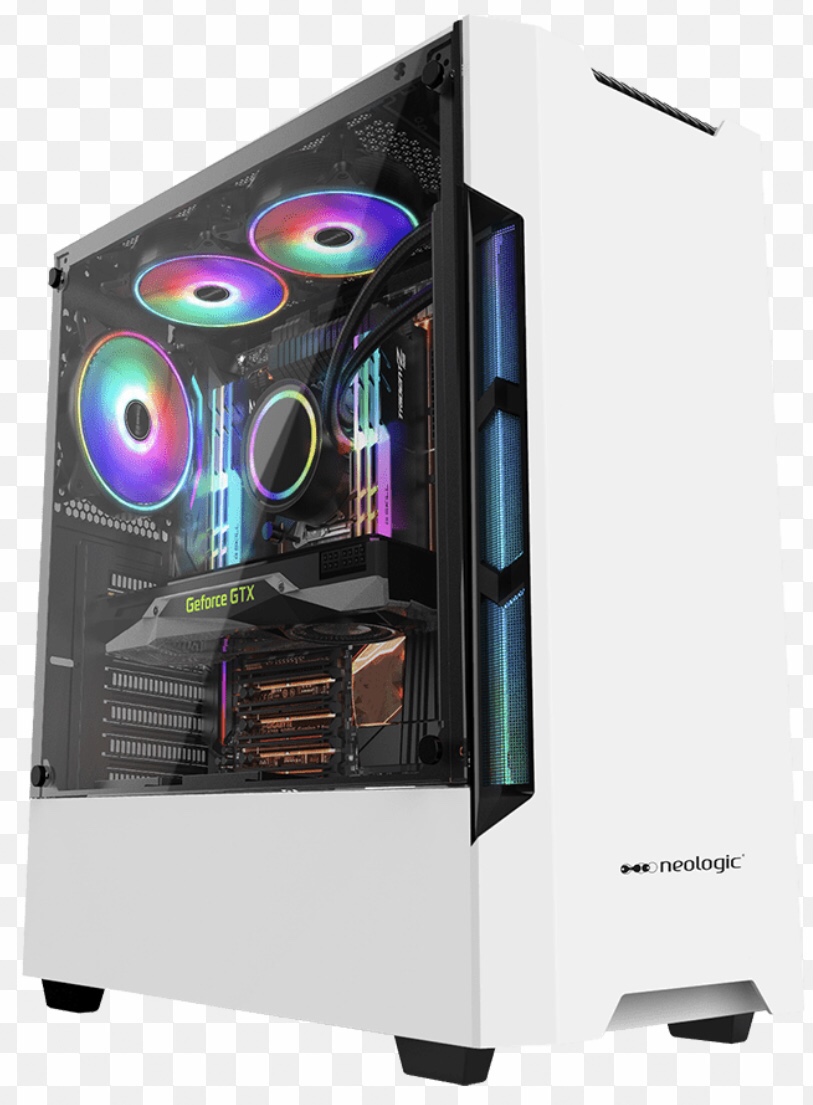
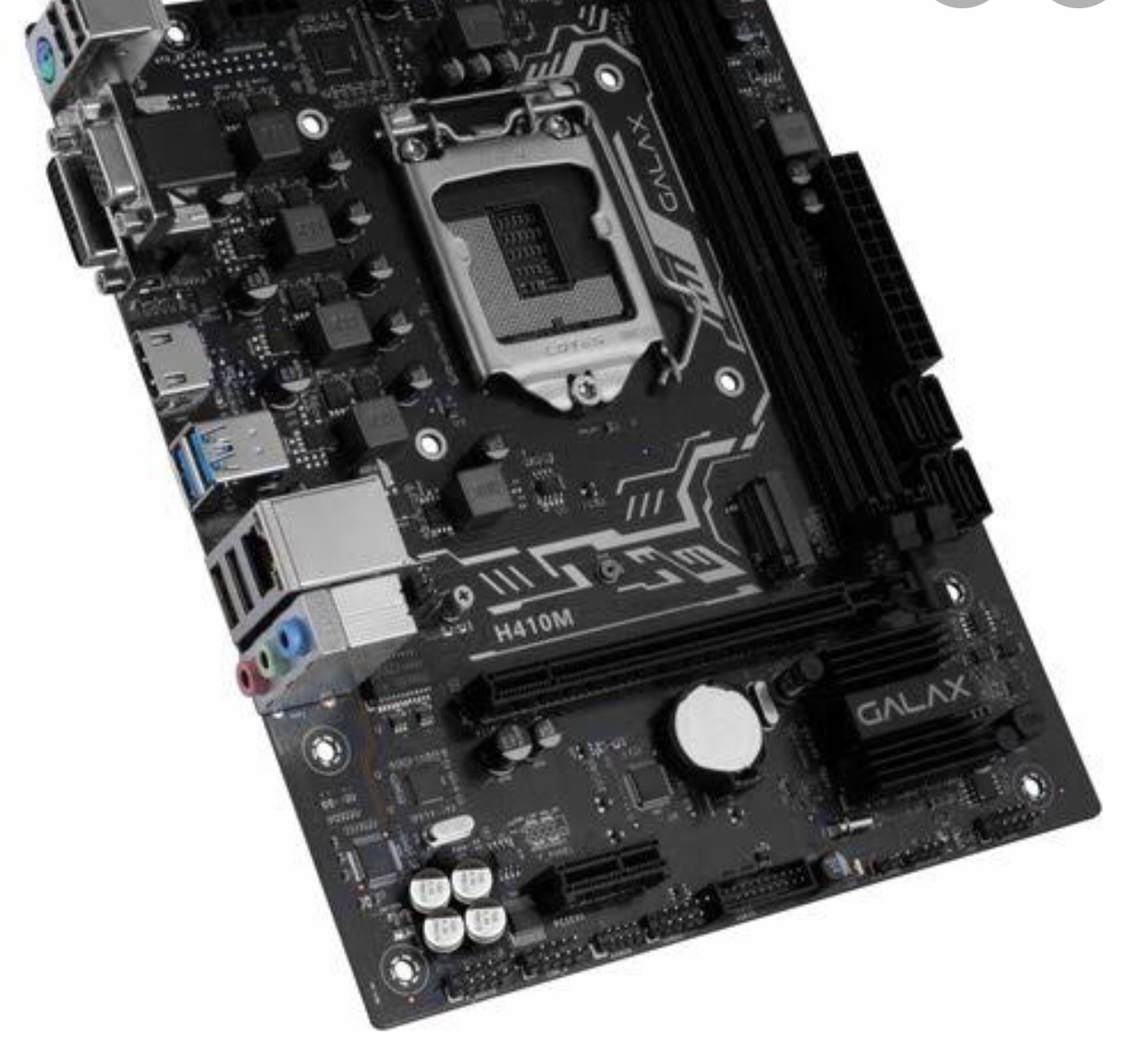
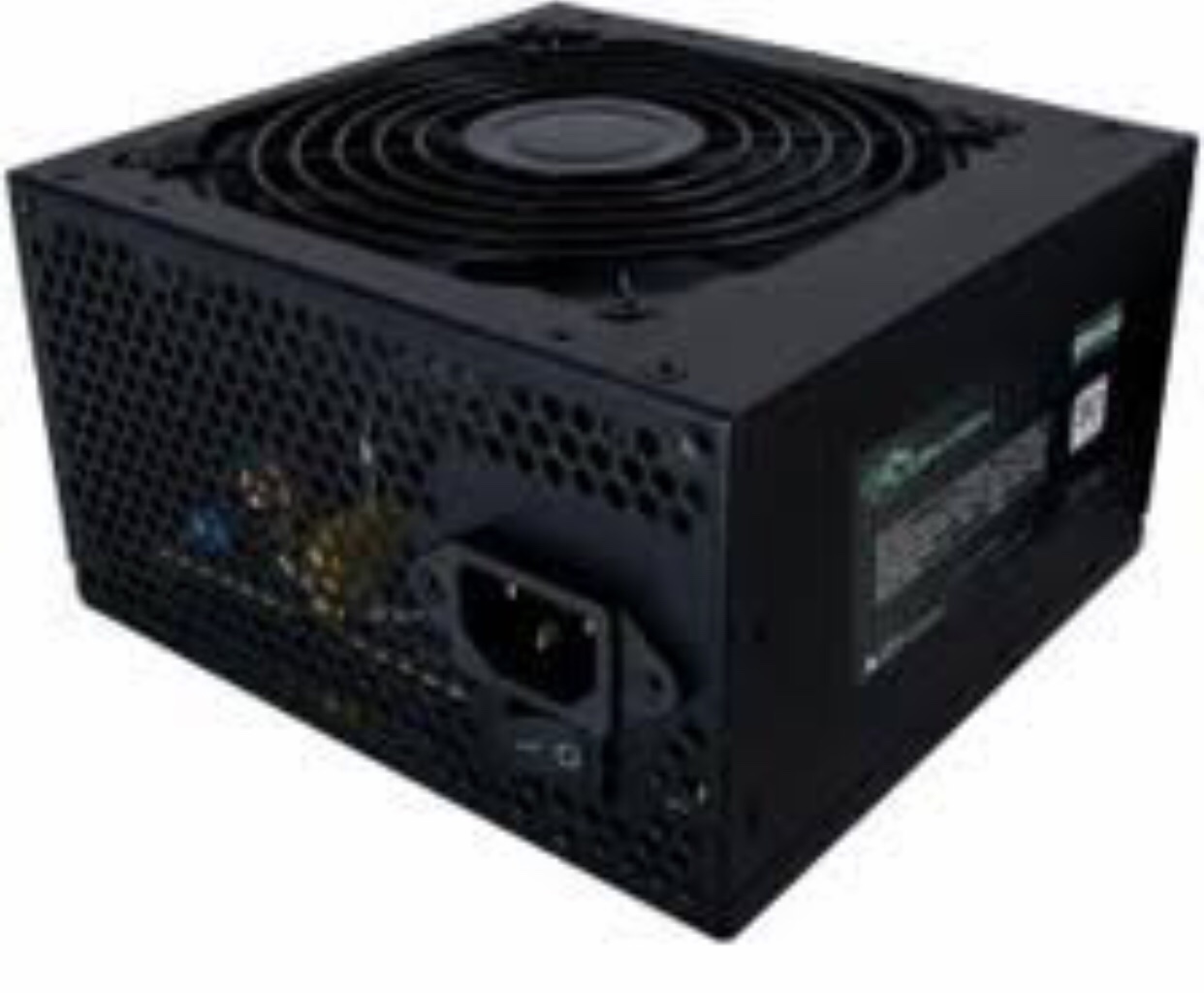
First, we can remember the Cabinet, which protects all internal electronics and provides precise ventilation, as well as making it difficult to overheat. This is not seen in modern computers, Laptops and Handhelds. Furthermore, the motherboard preserves many crucial elements of the system, while providing connectors for other peripherals, not allowing either an expansion or a simple removal of this one, as it is silver and needs dangerous elements and portions for the sake of this second feat. . Furthermore, the power supply supplies electrical power to a computer and has a fan in order to cool it, often requiring 350 to 400 watts.
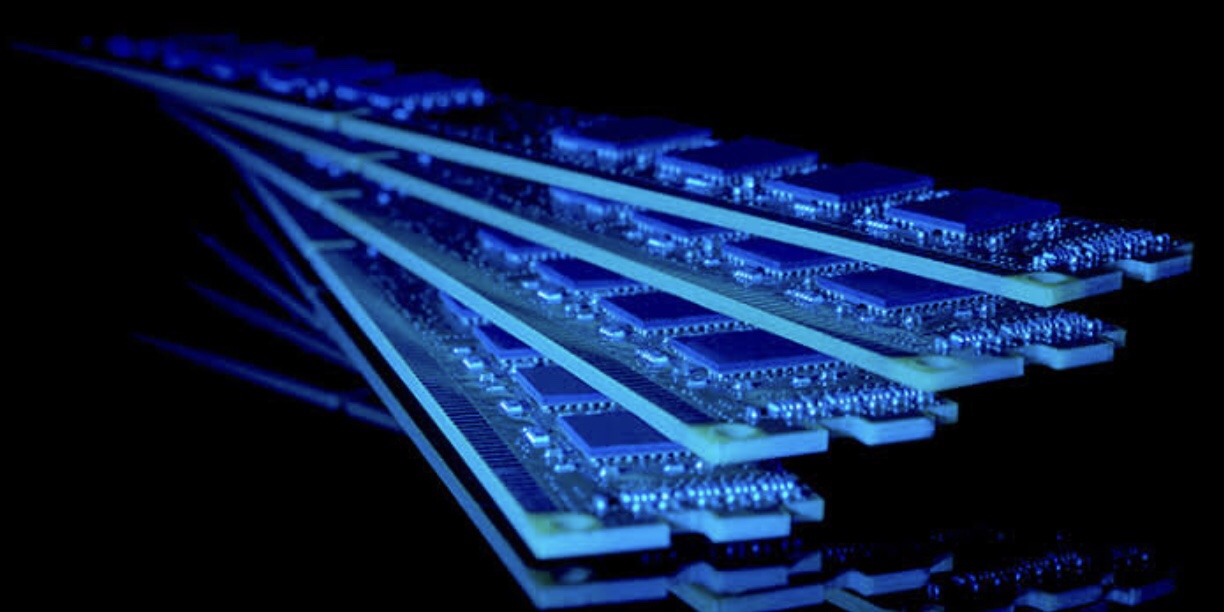
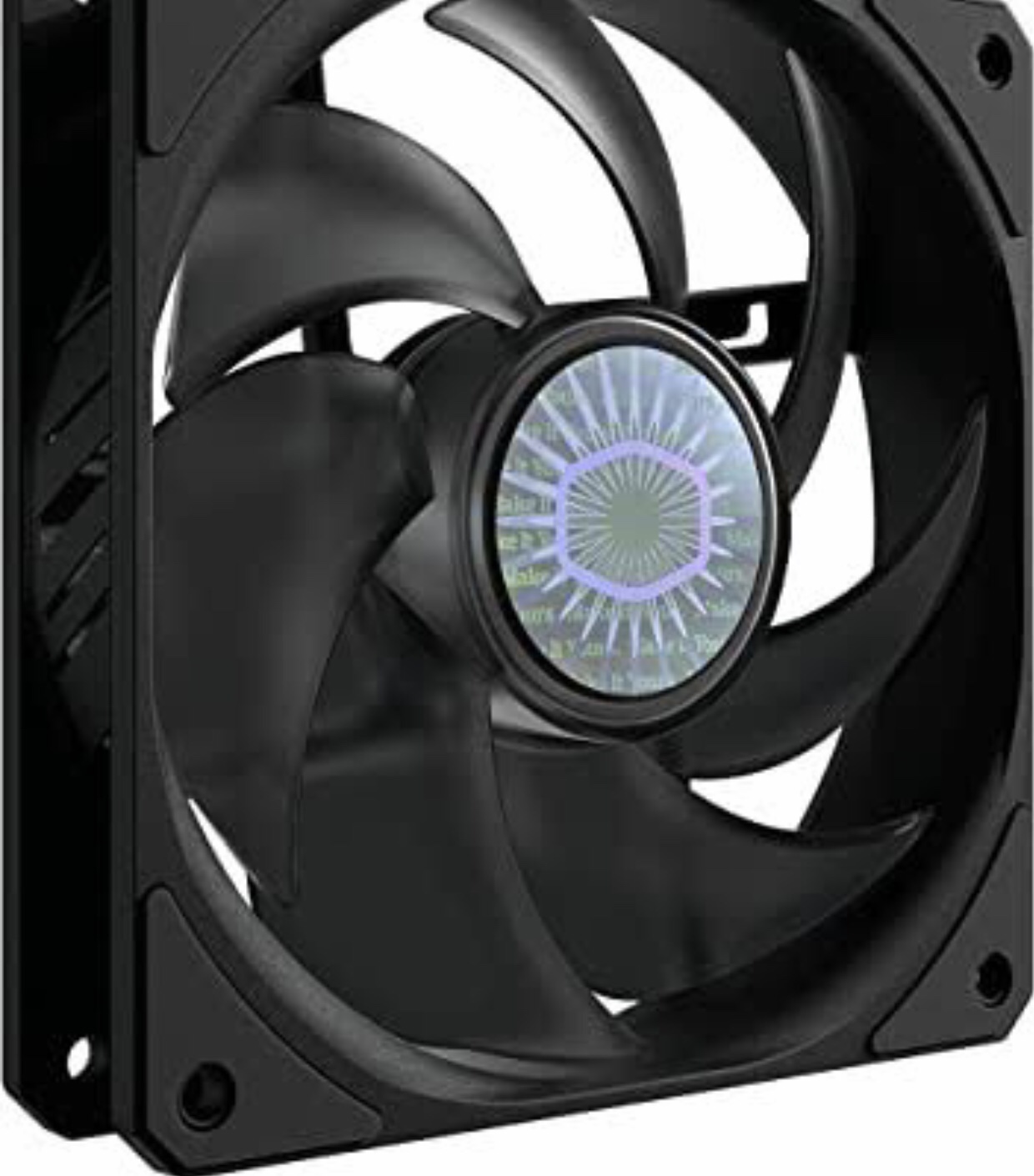
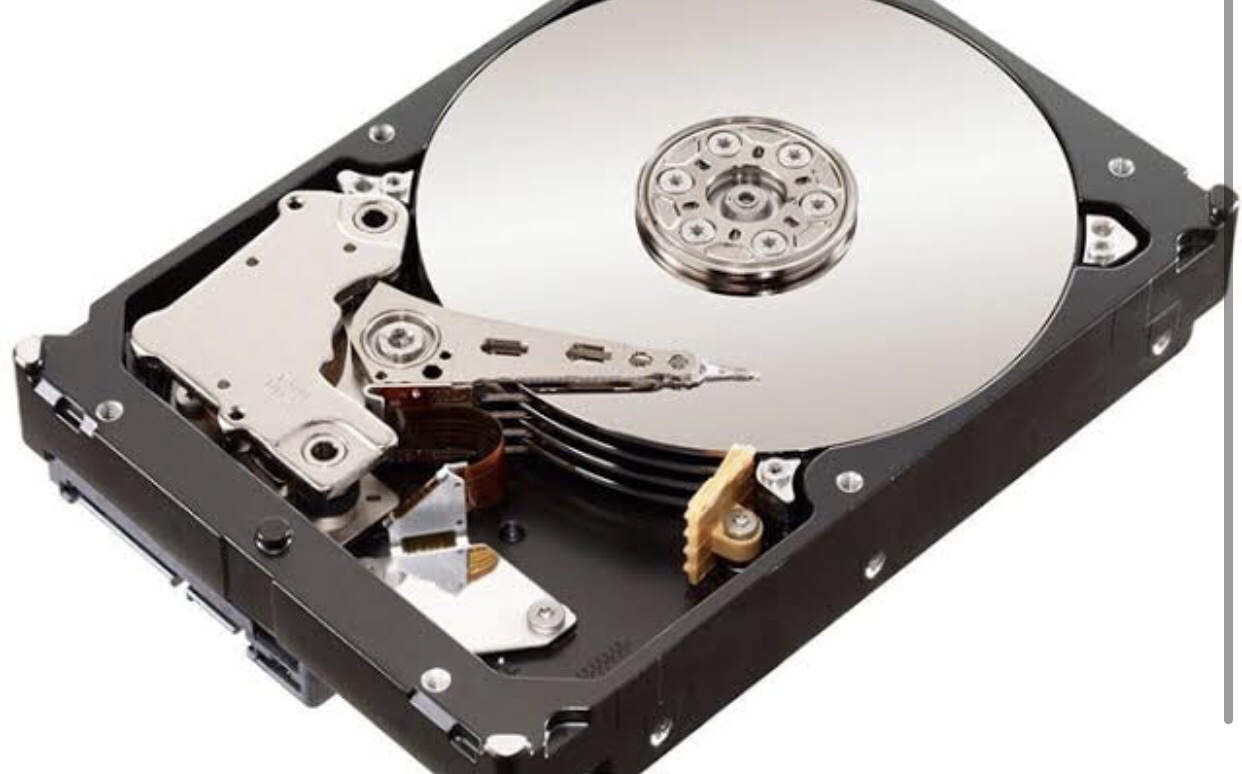
Second, RAM or Random Access Memory is the main memory of PC’s, which temporarily memorizes information, volatile memory, while dedicated to its services, characterizing the displacement between it and the processor as the memory speed, measured in MHz( megahertz). Likewise, the box fan is highlighted as a necessity, in order for their long lifespan. Then, finally, the Hard Disk (HD) that retains knowledge, preserving many programs and documents, characterized as the “boss” memory.
In summary, it is necessary to understand and frequently look for knowledge about the case, the motherboard, the power supply, the RAM memory, the box fan and the hard disk, for a precise development and less time, in good the performance of our services, which often require these.
Types of computer
Answers:
Page 33;
B) That is not a bus. That is a car. It’s a car.
C) This is not a keyboard. This is a mouse. It’s a mouse.
D) This is not a motherboard. This is a power supply. It’s a power supply.
Page 35:
2- A) An
B) An
C) A
D) A
E) A
Page 35:
A) Peter has a good notebook.
Negative: Peter has not a good notebook.
Interrogative: Has Peter a good notebook?
B) LCD monitors have the advantage of being much thinner and lighter.
Negative: LCD monitors do not have the advantage of being much thinner and lighter.
Interrogative: Have LCD monitors the advantage of being much thinner and lighter?
C) Some have more advanced capabilities.
Negative: Some have not more advanced capabilities
Interrogative: Have some more advanced capabilities?
Learning activities:
1- Computers are diversified in measures and effectiveness. In this sense, they are distributed among supercomputers, which have too many processors for their fast and excellent performance in order to perform calculations. Then there are the small computers responsible for small services in our routine environment, one of the hundreds that supercomputers have. The personal computer, or PC, is designed to be performed individually. For example, desktop and portable computers. Desktop computers have separate components, like the system unit (CPU), the monitor, the mouse and the keyboard are connected in this one. Furthermore, in a different way, laptops, laptops, mobile PCs, or notebooks hold a battery and are collected in the same place, the CPU, the screen and the keyboard. Likewise, laptops, PDAs or handheld computers have touch-sensitive screens, filling the keyboard usage.
2- I know the three types, the desktop computer, as it was present in my childhood, with the purpose of knowledge and leisure, through research and games. Then, laptops, notebooks and PDAs, cell phones, responsible for the necessary “conversation” with the modern world and with people and for the course’s learning process.
3- Os computadores desktops são os mais especiais, por terem estado presentes na infância de muitos.
Do mesmo modo que os computadores portáteis são deslocáveis, os serviços de um cientista da computação são.
Os PDAs são responsáveis por diversas funções de recreação das crianças do século XXI.
What can you do with computers?
1- Computers, records, analyze, projects, information, pictures, music, financies, communicate, possibilities, connect, internet, available, urban, areas, populated, access and popular.
2- world, computers, to, and, the, areas, you, in, world, of,
communicate, information and internet.
3-É possível vivenciar muitos momentos de recreações nos computadores. Esses, permitem o processo conhecido como globalização, por meio da internet. Um exemplo que oferece esse tipo de serviço é o Windows.
What are computers?
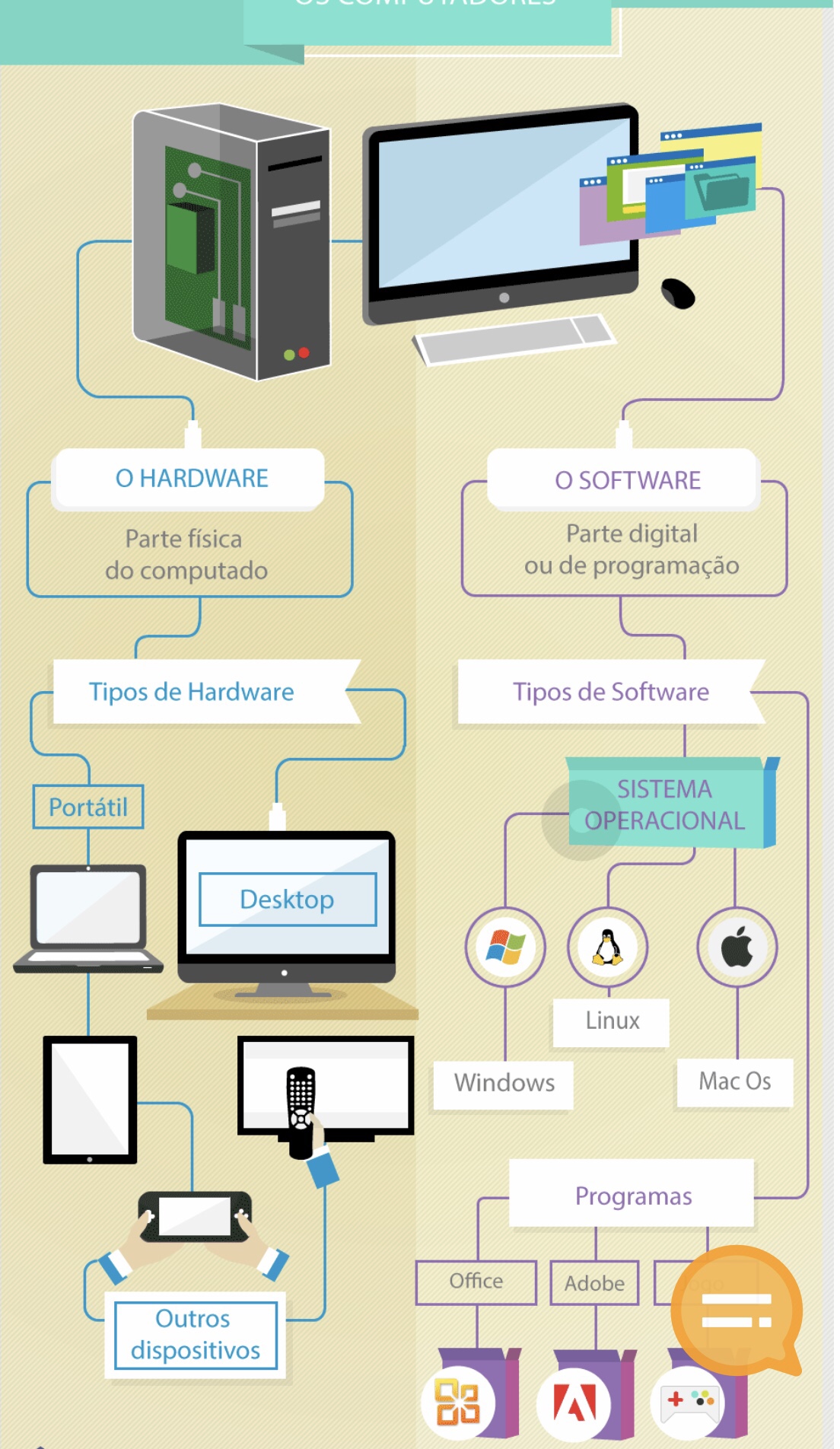
Computers are electronic inventions. These, which must and depend on a Hardware (general term in the English language, which refers to the physical parts of these) and a Software (operating system). Thus, it is due to a division, the Hardware, between the Laptop, for example, which is routinely used, for example, in education services, due to its need to travel with the masters, among others, and between the Desktop. Furthermore, the Software breaks down into the Operating System and then into its programs, which must be of an English language. Finally, we understand Steve Jobs’ message, that Technology moves the world, present in times of pandemic, increasingly, in the same way, that the need to have knowledge of the English language, in order to execute/program these.
 English for computer